Category: Web
-

Run NextJS in an AWS Lambda
Looking to host a new web app that was built in NextJS, we set out to find a way to host it on a Lambda rather than via a docker image (which can get rather expensive). These are the steps we took to do so. Create a static bucket First thing you will need to…
-
Debugging on Platform.sh
We are in the process of deploying a lot of sites on to the excellent Platform.sh infrastructure at the moment. As with all these things, we hit a few snags along the way. The way that we worked around this was to install the Xdebug extension and use it to step through the code. Firstly…
-
Drupal and DNS Prefetch
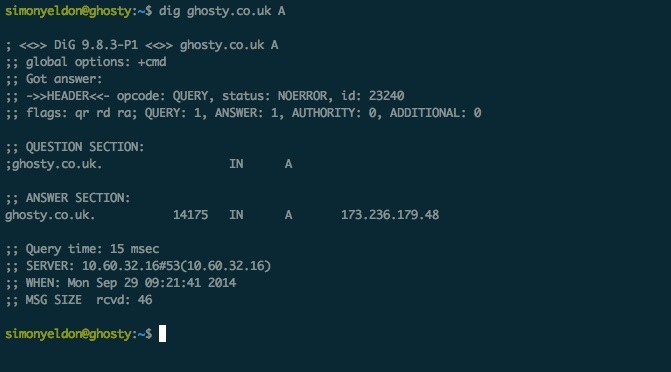
In a bid to help you gain performance from your web apps, a new feature introduced with HTML5 is the ability to prefetch DNS resources. Currently widely supported (Firefox 3.5+, Chrome, Safari 5+ and IE 9+), prefetching is where your browser will in the background to a DNS lookup for the addresses that you give.…
-
Mailcatcher – debug email development
I have blogged in the past about a good way to catch email in a dev environment. Well I have found a better way. Check out the awesome MailCatcher that runs as an smtp service on your setup and then presents the mail through a simple to use web interface.
-
Vine magic
This has to be probably the best vine magic [ video editing ] that I have seen yet.
-
Placeit – Realistic Product Screenshots
Ever wanted to have one of those images that show your product on some stylish computer or phone, but not got the skills in photoshop or time to do it? Problem solved. Head over to Placeit to create them really easily!
-

Check SSL Certificates for expiry
Prevent those embarrassing support queries from your customers saying that your site in down due to SSL errors by monitoring the certificates you have installed. Use this script from Prefetch to check validity. Run it as a cron and get an email warning you expiry is close.
-
The evolution of the F1 Car in 60 seconds
This is a really cool visualisation on how F1 cars have changed since 1968 through to today. I like the emphasis on the simplicity of this.
-
Thoughtful Guy Rap
Worth a watch.
-
Mesmerising marble video
Just watched this, utterly mesmerising. [youtube http://www.youtube.com/watch?v=3NJ7Fr6VrPU]